









BLOG
Wall-Mount vs Desktop 65W USB-C Adapters: Which Format Fits Laptops, Monitors, and Docking Stations?
QUICK LINKS
Why does 65W USB-C adapter format matter for laptops, monitors, and docking stations?
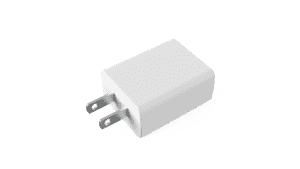
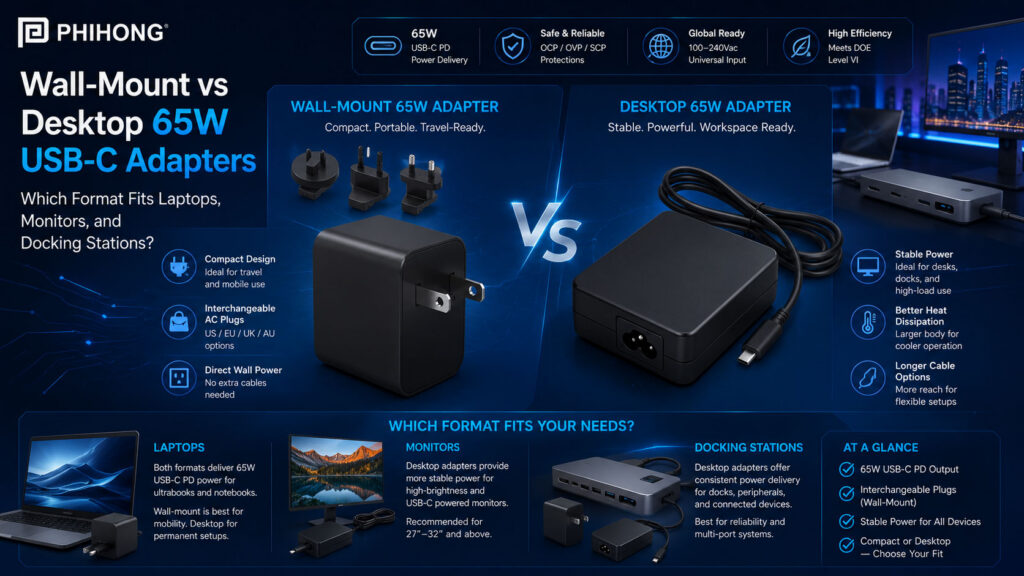
A 65W USB-C adapter format matters because the same wattage can be delivered through very different physical designs. A wall-mount adapter plugs directly into the outlet, while a desktop adapter uses a separate AC input cord and sits on a desk, shelf, equipment surface, or behind a workstation setup. For OEMs, this is not only a packaging choice. It affects user experience, cable routing, outlet clearance, regional deployment, replacement strategy, carton design and how the powered device is actually used.
For laptops, compact monitors and docking stations, 65W is often a practical power level. But the right adapter format depends on the environment. A portable laptop bundle may benefit from a smaller direct wall plug. A monitor or docking station may be easier to integrate with a desktop adapter because users can place the adapter away from the outlet and manage cables more cleanly. Phihong’s 65W adapter family includes wall-mount formats such as AQ65A / AQ65E / AQ65K and a desktop format such as AA65M-59FKB-R, giving OEM teams multiple ways to match 65W USB-C PD power to real product use cases.
| Adapter Format | Best-Fit Use Case | What OEM Teams Should Review |
|---|---|---|
| Wall-mount 65W USB-C adapter | Portable laptops, tablets, travel kits and compact device bundles. | Outlet fit, plug type, weight, thermal behavior and regional SKU planning. |
| Desktop 65W USB-C adapter | Monitors, docking stations, commercial workstations and desk-based devices. | AC cord strategy, cable routing, adapter placement and serviceability. |
| Regional wall plug | Devices sold into specific countries or plug environments. | US, EU, UK formats, packaging, approvals and replacement policy. |
| USB-C PD output behavior | Determines whether the device receives the correct power profile. | 5V, 9V, 15V, 20V, PPS support, cable rating and device-side negotiation. |
Why This Matters
• A 65W USB-C adapter should be chosen by device use case and installation environment, not wattage alone.
• Wall-mount and desktop formats solve different OEM problems for laptops, monitors and docking stations.
What OEMs Should Do Now
• Decide whether the product is primarily portable, desk-based, monitor-mounted, docked, or commercially deployed.
• Review adapter format, USB-C PD profiles, cable length, regional plug needs, packaging and customer support together.
Useful Links
AA65M-59FKB-R Product Page: www.phihong.com/products/adapters/aa65m-59fkb-r/
AQ65A-59FKB-R Product Page: www.phihong.com/products/adapters/aq65a-59fkb-r/
Power Adapter Product Line: www.phihong.com/products/adapters/
Related Links
Best Guide to 65W USB-C PD Adapters: Wall-Mount, Foldable, Interchangeable, and Desktop Formats Explained: www.phihong.com/best-guide-to-65w-usb-c-pd-adapters-wall-mount-foldable-interchangeable-and-desktop-formats-explained/
Why 65W GaN Power Adapters Are Becoming the New Standard for Commercial Laptops: www.phihong.com/why-65w-gan-power-adapters-are-becoming-the-new-standard-for-commercial-laptops/
FEATURED PRODUCTS
AM250U-540AP-R
AA240U-200A-R
AA240U-200B-R
AA280U-200B-R
AA240U-59FKEA-R
AA36U-240B-R

When is a wall-mount 65W USB-C adapter the better choice?
A wall-mount 65W USB-C adapter is often the better choice when portability, simple packaging and direct outlet charging matter most. For laptop, tablet and mobile device bundles, a wall-mount adapter can reduce the number of separate accessories the customer must carry. It can also make the unboxing experience cleaner because the power supply does not require a separate AC input cord. For travel-focused products, compact consumer devices and lightweight commercial bundles, this can be a strong advantage.
Phihong’s AQ65A / AQ65E / AQ65K family is a useful example because it supports regional wall-mount 65W USB-C PD formats. The datasheet lists 65W USB-C Power Delivery 3.0 output with fixed voltage modes such as 5V, 9V, 15V and 20V plus PPS support. For OEMs, that means the adapter format can be matched with both the target device and the target region. The tradeoff is that wall-mount adapters depend heavily on outlet fit, plug orientation, adapter weight and regional plug planning.
| Wall-Mount Selection Factor | Why It Matters | What OEM Teams Should Review |
| Direct outlet use | Eliminates the separate AC input cord. | User mobility, plug strength, wall clearance and outlet orientation. |
| Regional plug format | Wall-mount adapters are tied directly to outlet standards. | US, EU, UK needs, SKU planning, packaging and compliance records. |
| Portability | Direct-plug designs can be easier to carry with mobile devices. | Travel use, weight, storage, foldability and customer handling. |
| Device bundle fit | Can simplify carton contents and reduce cable clutter. | Box size, instructions, accessories, replacement policy and support language. |
Why This Matters
• Wall-mount 65W USB-C adapters are strong when the product needs compact direct-outlet charging.
• Regional plug planning should happen early because it affects packaging, approvals, inventory and customer support.
What OEMs Should Do Now
• Choose wall-mount formats when portability and direct outlet convenience are central to the product experience.
• Validate outlet fit, plug retention, thermal behavior, USB-C negotiation and regional documentation before launch.
Useful Links
AQ65A-59FKB-R Product Page: www.phihong.com/products/adapters/aq65a-59fkb-r/
AQ65E-59FKB-R Product Page: www.phihong.com/products/adapters/aq65e-59fkb-r/
AQ65A / AQ65E / AQ65K Datasheet: www.phihong.com/wp-content/uploads/New-datasheet-AQ65A-59FKB-R-AQ65E-59FKB-R-AQ65K-59FKB-R_01022026.pdf
Related Links
Why 65W GaN Power Adapters Are Becoming the New Standard for Commercial Laptops: www.phihong.com/why-65w-gan-power-adapters-are-becoming-the-new-standard-for-commercial-laptops/
Best Guide to GaN Power Adapters: What Modern Devices Need From Compact, High-Density Power: www.phihong.com/best-guide-to-gan-power-adapters-what-modern-devices-need-from-compact-high-density-power/
When is a desktop 65W USB-C adapter better for monitors and docking stations?
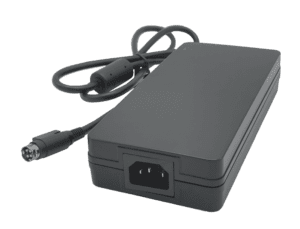
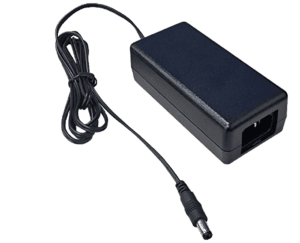
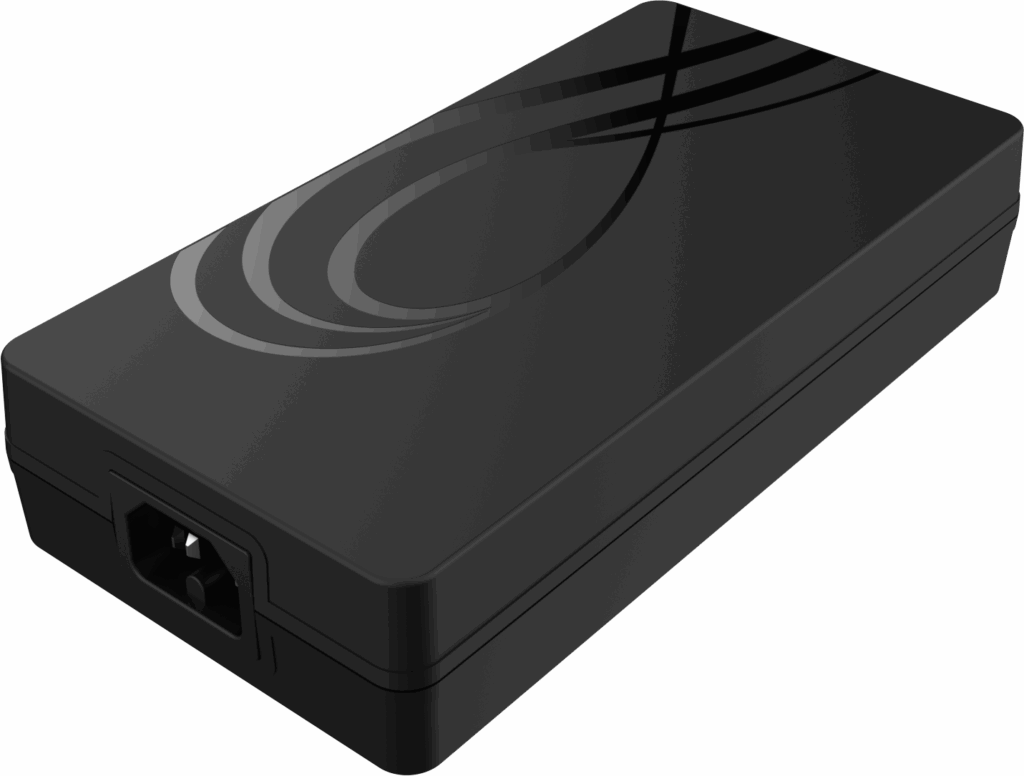
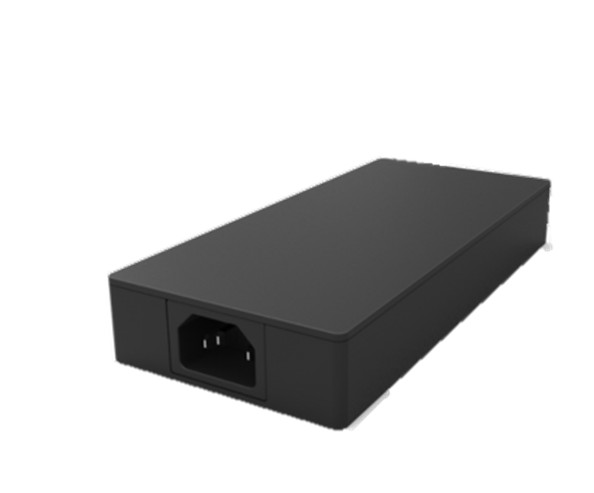
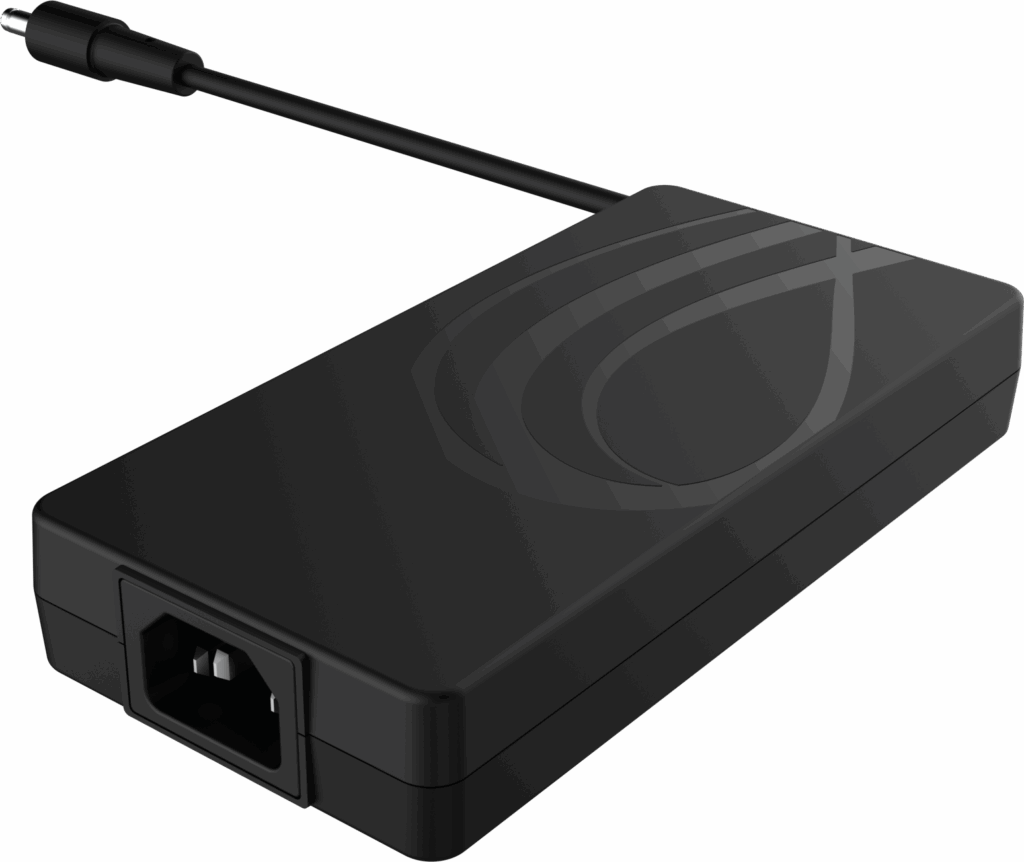
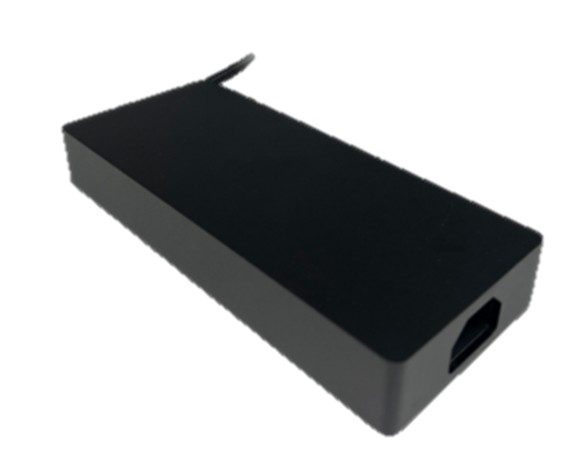
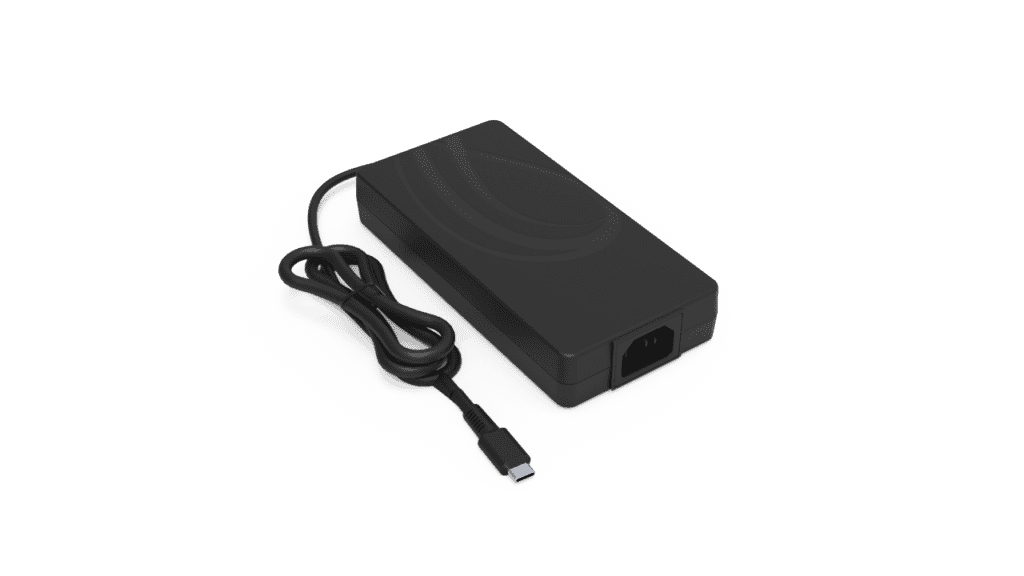
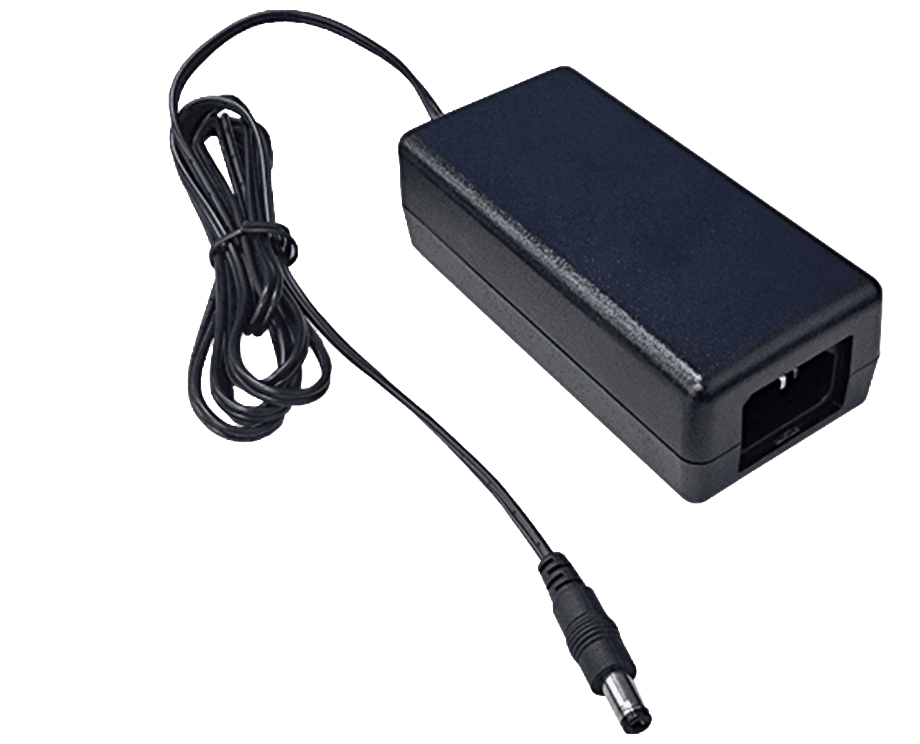
A desktop 65W USB-C adapter is often better when the powered device is used in a fixed workspace rather than carried every day. Monitors, docking stations, compact commercial systems and desk-based USB-C equipment may benefit from a corded adapter because the adapter can sit where cable routing makes sense. The AC cord can reach the outlet, while the USB-C output cable can connect to the device without forcing the adapter body to hang from the wall.
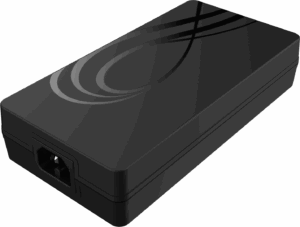
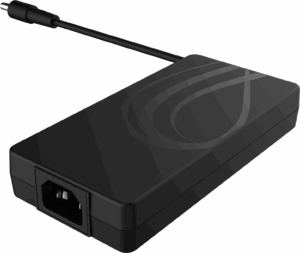
Phihong’s AA65M-59FKB-R is the key format reference for this article because it is a 65W USB-C PD 3.0 desktop adapter with a C6 input. That makes it relevant for OEMs that want 65W USB-C PD output but need more flexible placement than a wall-mount adapter provides. For monitors and docking stations, this can matter because the device may sit on a desk, behind a display, under a workstation, or near a hub where a direct wall plug is less convenient.
| Desktop Adapter Factor | Why It Matters for Monitors and Docks | What OEM Teams Should Review |
| Separate AC cord | Allows the adapter to sit away from the wall outlet. | C6 input, cord length, regional cord sets and cable management. |
| Desk placement | Better fit for monitors, docking stations and commercial workstations. | Adapter position, cable routing, user access and heat exposure. |
| Mechanical stability | The adapter does not hang from the outlet. | Strain relief, surface placement, connector stress and service access. |
| Commercial support | Corded designs can simplify replacement in desk-based environments. | Spare parts, support instructions, installation guide and lifecycle planning. |
Why This Matters
• Desktop 65W USB-C adapters can make more sense when the device lives in a workstation, monitor, dock, or equipment setup.
• Corded AC input gives OEMs more flexibility in placement, routing and service strategy.
What OEMs Should Do Now
• Choose desktop formats when adapter placement and cable routing matter more than travel convenience.
• Review AC cord strategy, adapter position, heat exposure, USB-C cable reach and support documentation before final selection.
Useful Links
AA65M-59FKB-R Product Page: www.phihong.com/products/adapters/aa65m-59fkb-r/
Power Adapter Product Line: www.phihong.com/products/adapters/
Contact Phihong: www.phihong.com/contact
Related Links
Best Guide to 65W USB-C PD Adapters: Wall-Mount, Foldable, Interchangeable, and Desktop Formats Explained: www.phihong.com/best-guide-to-65w-usb-c-pd-adapters-wall-mount-foldable-interchangeable-and-desktop-formats-explained/
Why 65W GaN Power Adapters Are Becoming the New Standard for Commercial Laptops: www.phihong.com/why-65w-gan-power-adapters-are-becoming-the-new-standard-for-commercial-laptops/
CLIENT'S QUOTE
Phihong’s custom OEM power solutions have transformed our product development, boosting performance and reducing overhead. Their expert engineering support has simplified both the design and manufacturing phases.
What should OEMs verify before choosing between wall-mount and desktop formats?
OEMs should verify the adapter’s electrical behavior, mechanical fit, compliance profile and customer workflow before choosing between wall-mount and desktop formats. A wall-mount adapter may look simpler, but it must fit the outlet environment, regional plug requirements and packaging plan. A desktop adapter may offer more placement flexibility, but it adds an AC input cord and may change the user’s cable-management experience.
For laptops, monitors and docking stations, the decision should start with how the device is used. A laptop charger may need portability and compact storage. A monitor adapter may need stable placement and cable reach. A docking station may need clean desk routing and predictable cable strain relief. OEM teams should also verify USB-C PD output modes, PPS behavior, Class B EMI, efficiency, safety documentation, thermal conditions and support policy before committing to one adapter format.
| Verification Area | Why It Matters | What OEM Teams Should Review |
|---|---|---|
| Device use case | The adapter format should match how the product is actually used. | Laptop mobility, monitor placement, docking setup and commercial environment. |
| Electrical compatibility | 65W output must match the device’s USB-C PD requirements. | 5V, 9V, 15V, 20V, PPS, cable rating and sink-controller behavior. |
| Mechanical integration | The adapter body and cables affect placement and user handling. | Outlet clearance, cord length, cable routing, strain relief and storage. |
| Compliance and support | Regional deployment and product bundling require documentation. | EMI, efficiency, safety records, SKU planning and replacement policy. |
Why This Matters
• The right 65W adapter format depends on product workflow, not just electrical output.
• OEMs should review USB-C PD behavior, mechanical placement and compliance documentation before final selection.
What OEMs Should Do Now
• Test both wall-mount and desktop formats with the actual device setup before locking the product bundle.
• Validate USB-C PD negotiation, cable routing, thermal behavior, packaging and customer instructions together.
Useful Links
AA65M-59FKB-R Product Page: www.phihong.com/products/adapters/aa65m-59fkb-r/
AQ65A-59FKB-R Product Page: www.phihong.com/products/adapters/aq65a-59fkb-r/
Power Adapter Product Line: www.phihong.com/products/adapters/
Related Links
Best Guide to 65W USB-C PD Adapters: Wall-Mount, Foldable, Interchangeable, and Desktop Formats Explained: www.phihong.com/best-guide-to-65w-usb-c-pd-adapters-wall-mount-foldable-interchangeable-and-desktop-formats-explained/
Why 65W GaN Power Adapters Are Becoming the New Standard for Commercial Laptops: www.phihong.com/why-65w-gan-power-adapters-are-becoming-the-new-standard-for-commercial-laptops/
How Phihong supports 65W USB-C adapter format selection for OEM products
Phihong’s 65W USB-C PD adapter family gives OEM teams multiple format options for different product and deployment needs. For wall-mount applications, the AQ65A / AQ65E / AQ65K family gives teams regional plug options for direct outlet charging. For desktop use, the AA65M-59FKB-R provides a 65W USB-C PD 3.0 adapter with C6 input, supporting a corded format for monitors, docking stations, commercial workstations and desk-based equipment.
The best choice depends on the device and market. A portable laptop bundle may prioritize compact wall charging. A monitor or dock may need a corded desktop format that improves placement and cable routing. OEM teams should compare format, USB-C PD output modes, PPS support, regional plug needs, Class B EMI, efficiency, safety documentation, thermal behavior, packaging and support policy before selecting the final 65W adapter platform.
| Phihong Adapter Path | Why It Helps OEM Teams | What Teams Should Review |
|---|---|---|
| AQ65A / AQ65E / AQ65K | Supports regional wall-mount 65W USB-C PD charging. | Target region, plug type, outlet fit, packaging and approvals. |
| AA65M-59FKB-R | Supports desktop 65W USB-C PD charging with C6 AC input. | AC cord strategy, desk placement, monitor setup and cable routing. |
| Adapter product line | Helps teams compare multiple 65W format strategies. | Wall-mount, desktop, foldable, interchangeable and regional models. |
| Product-led selection | Keeps the decision tied to the actual device workflow. | Device use case, user environment, support model and validation plan. |
Why This Matters
• Phihong’s 65W adapter options help OEMs match the physical format to real product use cases.
• Wall-mount and desktop adapters should be compared by deployment, placement, user handling and support needs.
What OEMs Should Do Now
• Start with the product’s use environment, then choose the format that fits user behavior and installation needs.
• Contact Phihong to discuss 65W USB-C PD adapter requirements for laptops, monitors, docks and commercial equipment.
Useful Links
AA65M-59FKB-R Product Page: www.phihong.com/products/adapters/aa65m-59fkb-r/
AQ65A-59FKB-R Product Page: www.phihong.com/products/adapters/aq65a-59fkb-r/
Contact Phihong: www.phihong.com/contact
Related Links
Best Guide to 65W USB-C PD Adapters: Wall-Mount, Foldable, Interchangeable, and Desktop Formats Explained: www.phihong.com/best-guide-to-65w-usb-c-pd-adapters-wall-mount-foldable-interchangeable-and-desktop-formats-explained/
Best Guide to GaN Power Adapters: What Modern Devices Need From Compact, High-Density Power: www.phihong.com/best-guide-to-gan-power-adapters-what-modern-devices-need-from-compact-high-density-power/
Wall-mount and desktop 65W USB-C adapters solve different product problems. A wall-mount adapter is often better for portable devices and simple product bundles, while a desktop adapter can be better for monitors, docking stations and commercial workspaces where placement and cable routing matter.
For OEM teams, the strongest choice starts with the device workflow. Teams should evaluate where the adapter sits, how the user connects it, what regional plug strategy is required and how the product will be packaged, supported and replaced. If your team is selecting a 65W USB-C PD adapter for a laptop, monitor, dock, or commercial device, contact Phihong to discuss the right format for your application.

CONTACT US TODAY
From concept to production, Phihong delivers custom OEM power solutions tailored to your specifications.
FAQ
What is the difference between a wall-mount and desktop 65W USB-C adapter?
A wall-mount 65W USB-C adapter plugs directly into the outlet, while a desktop adapter uses a separate AC input cord and sits on a desk or equipment surface. Wall-mount adapters are often better for portable devices and travel bundles. Desktop adapters can be better for monitors, docking stations and commercial setups where cable routing and stable placement matter.
Which 65W USB-C adapter format is better for laptops?
For many laptops, a wall-mount 65W USB-C adapter is convenient because it is compact and easy to carry. However, a desktop adapter may be better for commercial laptop docking setups, shared workstations, or desk-based environments where cable routing and adapter placement matter. OEMs should choose based on how the laptop will actually be used and supported.
Which 65W adapter format works better for monitors?
A desktop 65W USB-C adapter often makes more sense for monitors because the adapter can sit behind the display, under a desk, or near the workstation instead of hanging from the wall. This can improve cable routing and reduce outlet-fit issues. OEMs should still verify USB-C PD output behavior, cord length, heat exposure and user access.
Why would a docking station use a desktop 65W USB-C adapter?
A docking station usually lives on or near a desk, so a desktop adapter can make cable management easier. The AC cord reaches the wall, while the USB-C cable connects to the dock or host device. This can reduce wall-outlet strain and create a cleaner setup for commercial workstations. OEMs should validate cable length, thermal behavior and replacement strategy.
Are wall-mount 65W USB-C adapters better for global products?
They can be, but only if regional plug versions are planned carefully. Wall-mount adapters are tied to outlet type, so OEMs need to manage US, EU, UK, or other regional plug formats. For global launches, teams should review SKU planning, plug approvals, packaging, replacement policy and customer instructions before choosing a wall-mount format.
What should OEMs test before selecting a 65W USB-C adapter format?
OEMs should test USB-C PD negotiation, output modes, PPS behavior if required, cable rating, connector temperature, adapter surface temperature, outlet fit, cord routing, packaging, regional plug requirements, EMI, efficiency and safety documentation. Testing should use the actual device and intended cable setup before the adapter is bundled or specified.
POE technology supports the centralization of power

AC Adapter Guide: Everything You Need to Know
Moreover, PoE technology supports the centralization of power management. By powering devices through a PoE-enabled network …
AC DC Power Chargers and How They Work: A Comprehensive Technical Breakdown
Moreover, PoE technology supports the centralization of power management. By powering devices through a PoE-enabled network …

USB-C Charger: Shaping the Future of the Tech World
Moreover, PoE technology supports the centralization of power management. By powering devices through a PoE-enabled network …

AC Adapter Guide: Everything You Need to Know
Moreover, PoE technology supports the centralization of power management. By powering devices through a PoE-enabled network …

AC DC Power Chargers and How They Work: A Comprehensive Technical Breakdown
Moreover, PoE technology supports the centralization of power management. By powering devices through a PoE-enabled network …

USB-C Charger: Shaping the Future of the Tech World
Moreover, PoE technology supports the centralization of power management. By powering devices through a PoE-enabled network …